On this page
- This overview covers the WM86L instructions only: W5114RXLW, W5XLT.U, W5XLG.U and W5XLW.U. 1
- Press and hold OK to show the description behind Error X. 1
- The general first step is off, wait at least one minute, on, and repeat the program. 1
- E9 and E11 can involve water outside the drum or rising too high; close the water tap when the table says so. 1
- The last three errors are kept in the Machine status failure read-out. 1
How do I read an ASKO washer error code?#
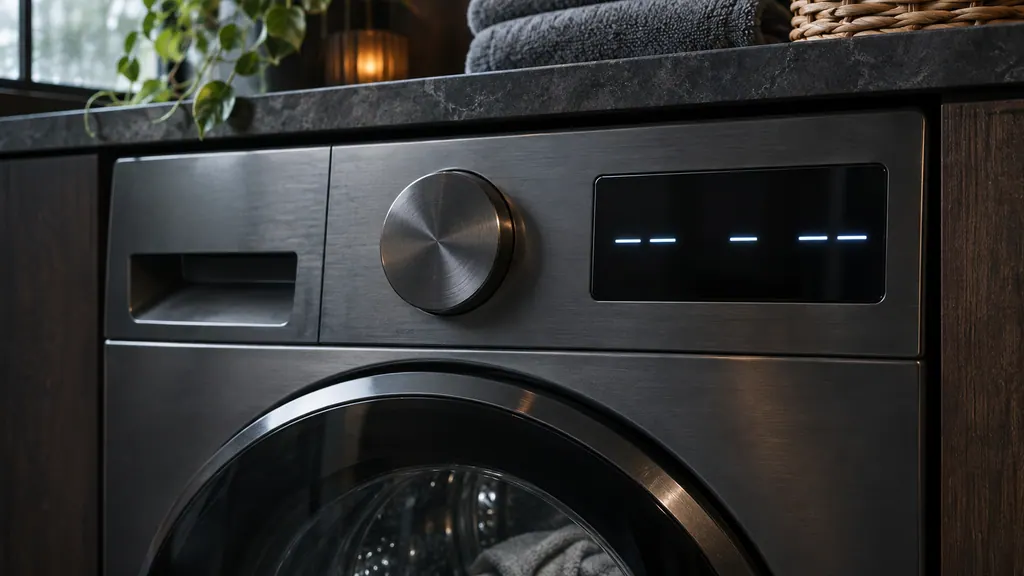
When a program stops with an error, the WM86L display shows Error X. Press and hold the OK button to see the description, then switch the washer off and on again. The E number tells you which system to look at. 1
This overview follows one manual: the WM86L instructions, which cover the W5114RXLW, W5XLT.U, W5XLG.U and W5XLW.U. The manual also says the codes you see depend on the model. If your ASKO washer is a different model, its manual is the one to trust. 1
Some codes come with a decimal, such as E7.1 or E22.1. In the WM86L table, a decimal code sits next to its parent. Some share the parent's entry, and a few, like E7.1 and E7.2, have their own. 1
If the message is gone, look in the settings. Under Machine status, the failure read-out lists the last three errors the washer showed. The same menu links E7 and E7.1 to the filter cleaning instructions. 1
What should I try before calling about a washer code?#
The WM86L manual's general advice is simple: switch the washer off, wait at least one minute, switch it on and repeat the program. Then do any checks the table lists for that code. If the error persists, call for service. 1
The table adds its own checks to most codes, and they come before the call. For E3, that means the water supply. For E7, it means the pump filter and the drain hose. For the door codes, the table's first step is an off-and-on restart. 1
A few codes skip the owner steps. E37, a software version mismatch inside the washer, goes straight to a service technician. E48, a network connection error, does too, although it only affects remote control and not washing. 1
If the door stays locked after an error#
The WM86L notes that the door can stay locked when no program is running, for example after an error. Press and hold the Start/Pause button for a while to unlock it. If the display says the washer is waiting for the door to unlock, let that finish; when no error follows, you can start a new cycle. 1
One more door detail saves a false alarm. If the door was opened with the manual emergency release, the washer shows E2 when it is restarted. That is expected, and the manual's E2 steps take it from there. 1
The families below give one line per code. Each linked code has its own page with the full checks.
Water in, water level and overflow#
These codes are about how much water gets into the drum. E3 says too little arrives, E10 reports a problem with the level sensor, and E11 says the level went too high. 1
- E3: water filling error. Start with the inlet valve, the hose and the water pressure. 1
- E10 and E10.1: water level sensor error. The manual pairs a power reset with draining and venting the washer. 1
- E11: overflow. What you do depends on whether the washer keeps adding water. 1
E11 ties into the washer's overflow protection. When the level rises above normal, the washer shuts off the water supply and starts pumping out. If the level doesn't drop within 60 seconds, the program is interrupted. 1
Water out and leak codes#
These codes cover water that won't leave the drum, and water that has escaped it. E7 is the main drain code; E9 is about water found around the washer. 1
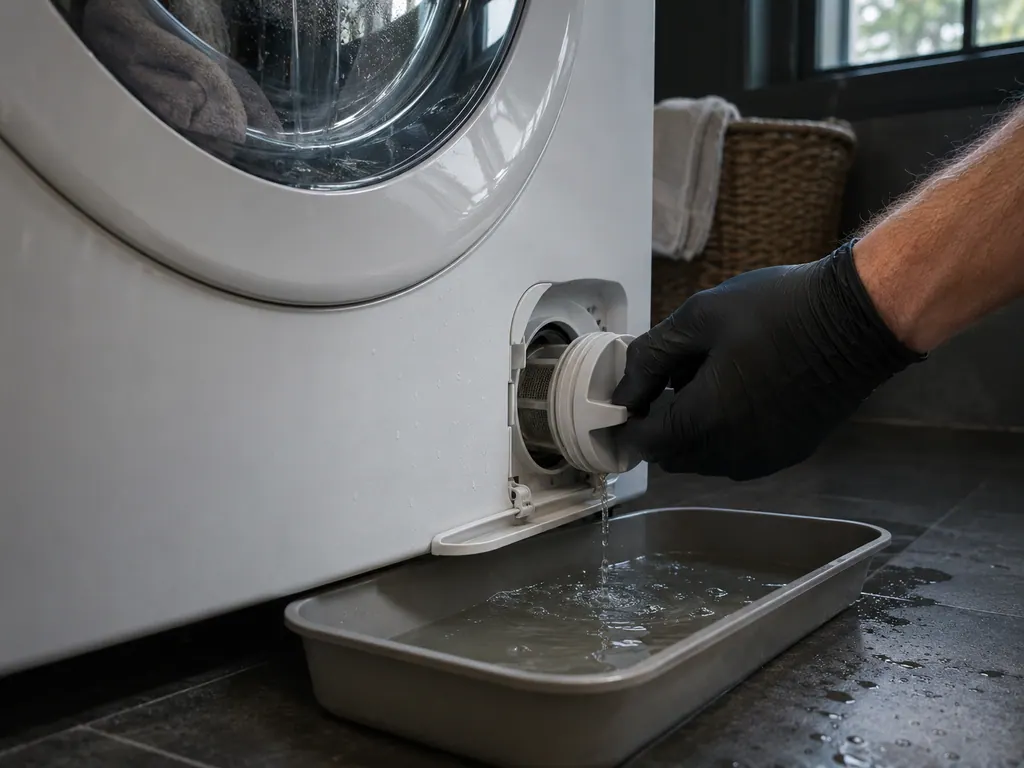
- E7: water draining error. The checks start at the pump filter and the drain hose. 1
- E7.1: a drain system alert for reduced water flow while pumping, pointing you to pump filter cleaning. 1
- E7.2: too much detergent, which can cause heavy foaming in the drum. 1
- E9 and E9.1: water leak detected in the area of the washing machine. Switch off and on, look around the outside, and close the water valve if you find a leak. 1
E9 comes from a sensor. The WM86L has a leak sensor at the bottom of the machine. When water reaches it, the washer stops the wash, shuts off the water supply, runs the pump and signals an error. 1
There is a second layer on the hose itself. The WM86L inlet hose has an Aqua-Stop: if an internal tube or hose is damaged, a shut-off cuts the supply and the control glass on the hose turns red. The manual's answer is to replace the water supply hose. 1
Door, heating, motor and electronics codes#
The rest of the table splits into four smaller families: the door lock, temperature and heating, the motor and the load, and the control electronics and power supply. 1
Door#
- E2: door lock error. The first thing to look at is the door itself, which may not be shut all the way. 1
- E22 and E22.1: the door is closed but could not be locked. 1
- E23 and E23.1: the door is closed but could not be unlocked. 1
- E24: a door lock error while unlocking. Restart; call the service center if it returns. 1
- E26: the locking current was exceeded while locking. Restart; call if it returns. 1
Temperature and heating#
- E1: temperature sensor failure. The manual also mentions inlet water that is too cold. 1
- E6: water heating error. Restart the program. 1
Motor and load#
- E12: motor or motor control error. Restart the program. 1
- E13: the laundry is unevenly distributed. Spread out stuck or tangled items and repeat the program. 1
Electronics and power#
- E0: incorrect settings. Restart the program. 1
- E36: a communication error between the user interface (UI) and the PMCU. Switch off, then on again. 1
- E37: the PMCU and UI software versions aren't compatible. This one goes straight to a service technician. 1
- E40: a warning that the supply voltage stayed below 180 V or above 260 V for a long time. Check the power supply. 1
- E48: the washer can't connect to the network. Washing still works; remote control doesn't. 1
The table also lists a drum cleaning warning. It isn't an error: it asks you to clean the dispenser, hose, door gasket and pump filter, then run the Drum cleaning program. 1
When should I call a technician about a washer code?#
Call when a code returns after you have restarted and done the checks the table lists for it. Call straight away for E37, and close the water tap first if E11 appears while the washer is still filling. 1
If you're not sure the code is on this list, read it again with the OK button held down. The description is what tells you the family. Write down the code, the description and what you already tried. 1
The technician agrees the price with you before any work starts. The exact cost is confirmed after the on-site diagnostic. Repairs covered by the manufacturer's warranty go through ASKO itself. We give a warranty on our workmanship. To arrange a diagnostic, book a visit or see what our washer service covers, and keep the E number handy.
Sources#
- WM86L washing machine instructionsASKO / Gorenje Group · Document 946955en · Introduction; Water overflow protection; Connection to water supply; STEP 7: Start the wash; Appliance settings, Machine status; Errors: what to do?; Manual opening of washing machine door; Failure display