Inside the appliance
Coarse filter. In plain English.
The coarse filter catches the larger food scraps that can’t pass through the drain pump. You lift it out of the bottom of the tub by its handle, empty it and press it back until it clicks.
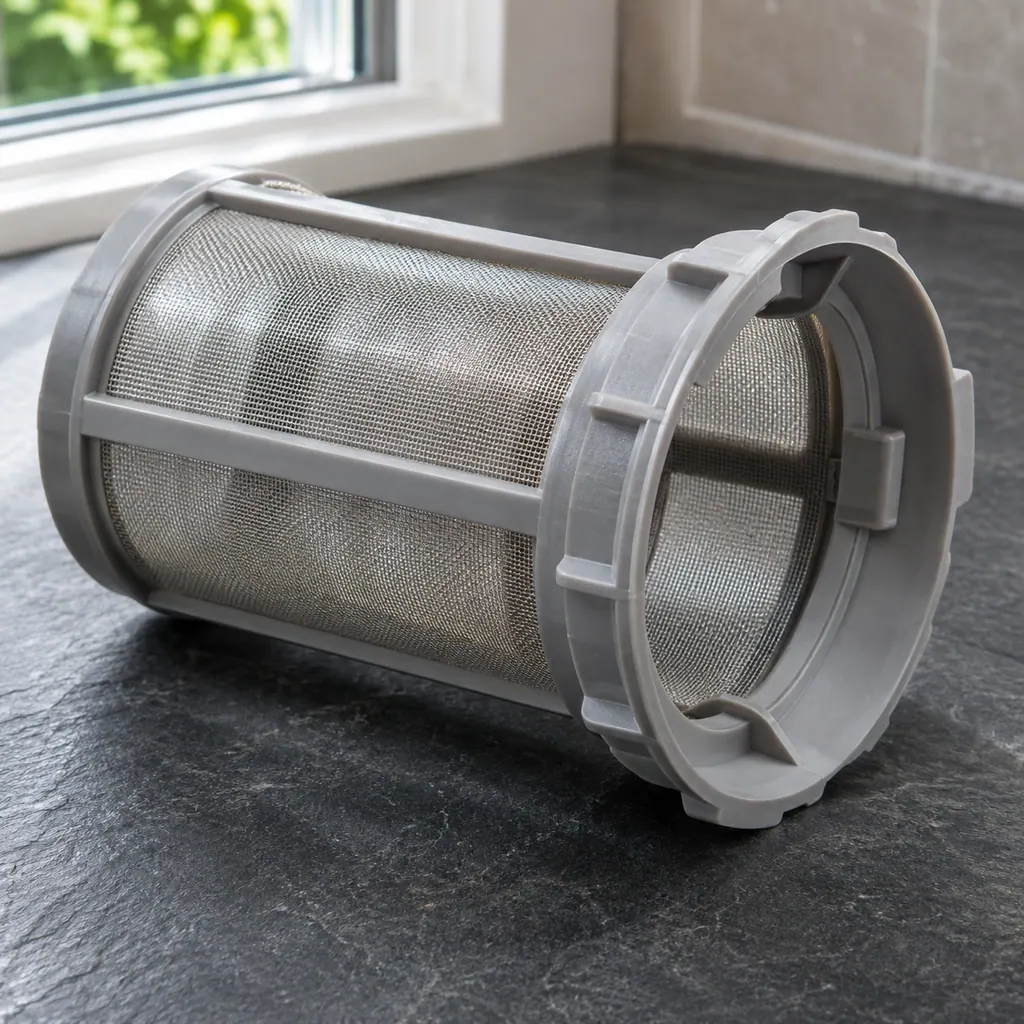
Where it fits.
Coarse filter in the appliance
It sits in the filter assembly at the bottom of the tub and comes out first, before the fine filter. Grab it by the handle and lift straight up.
The picture illustrates the component type. It does not identify a compatible replacement for your model.
What changes when this system needs attention.
Coarse filter concerns can appear alongside a change in performance or a recurring code. Testing is needed before deciding whether the component is responsible.
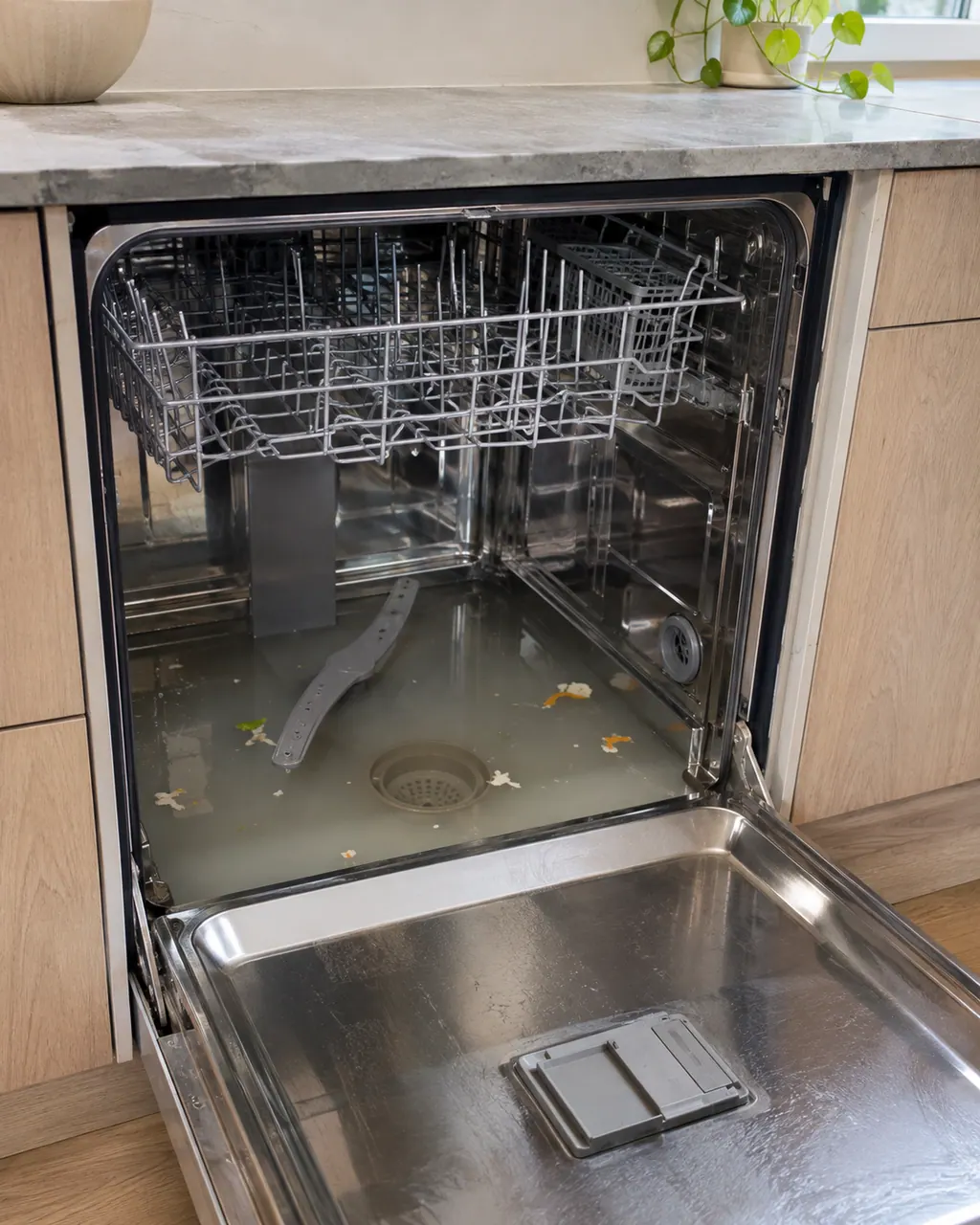
Dishwasher not draining
The DBI786 manual traces water left above the filters to four things you can check yourself: clogged or loose filters, debris in the drain pump, a missing drain pump stop, and a kinked or blocked drain hose. Unplug the dishwasher before you start.
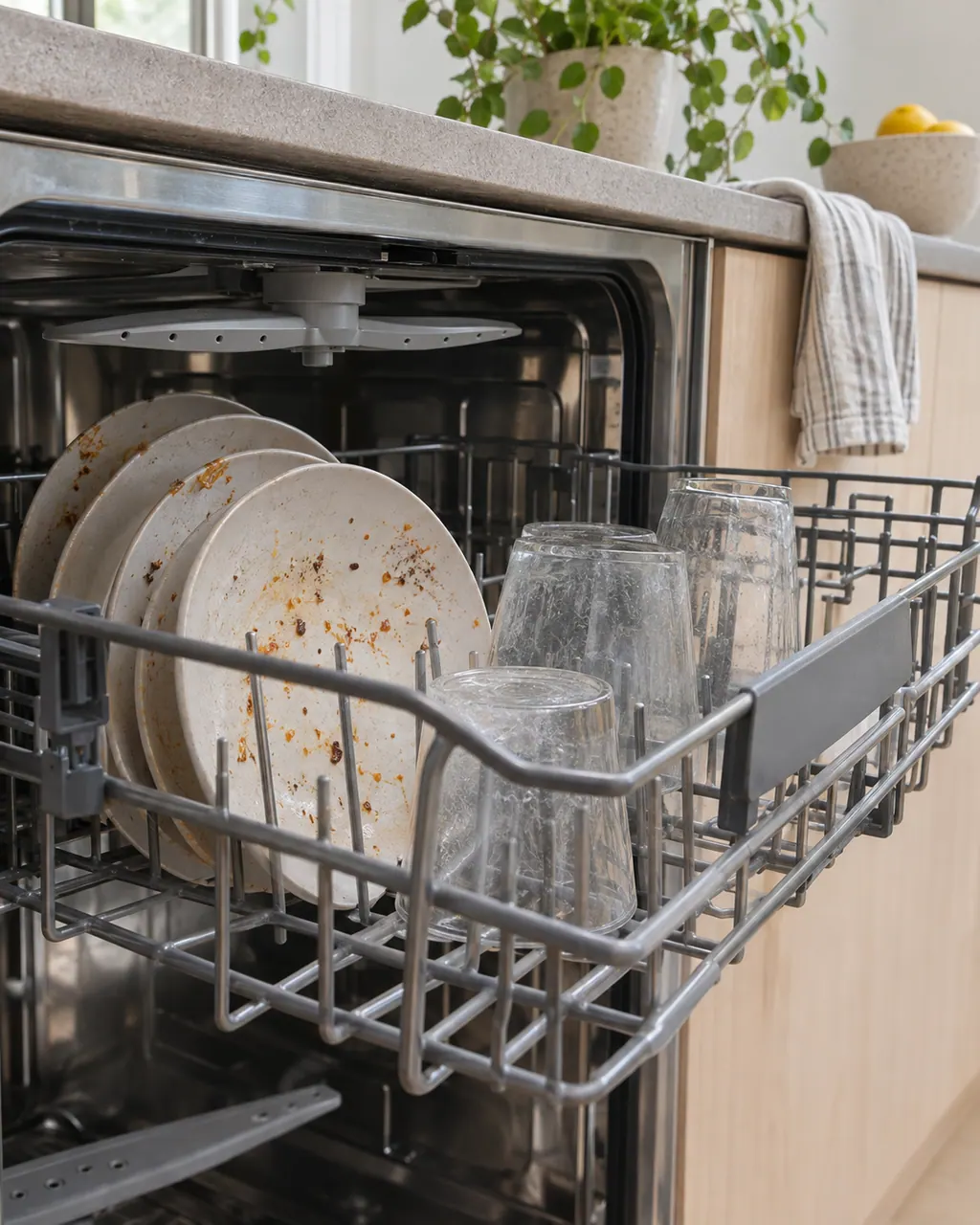
Dishwasher not cleaning well
Start with the spray arms and filters. If a dish blocks a spray arm or the coarse and fine filters are clogged, water can’t reach every surface. Then look at your loading, the detergent dose and the program you chose before you book.
Owner care, within the model instructions.
Switch off and unplug before owner-accessible checks. Watch for standing water and sharp debris. Do not touch a wet plug or electrical area, remove service panels, or go beyond your model’s owner instructions.
- 1
Lift, empty and refit
Lift the coarse filter out by its handle, tip the scraps into the trash and rinse it. Press it back down until it clicks into place.
- 2
Never run without it
The manuals say the dishwasher must not be used without the filters in place. A filter that isn’t seated properly can also spoil wash results.
Cleaning or replacement?
Leave internal testing to a technician.
Book a visit if water stays in the tub with a clean, firmly seated coarse filter, or if F11, F52 or F68 keeps coming back. The pump and water-level system are then the next suspects.
Arrange a diagnosticSee the neighboring components.
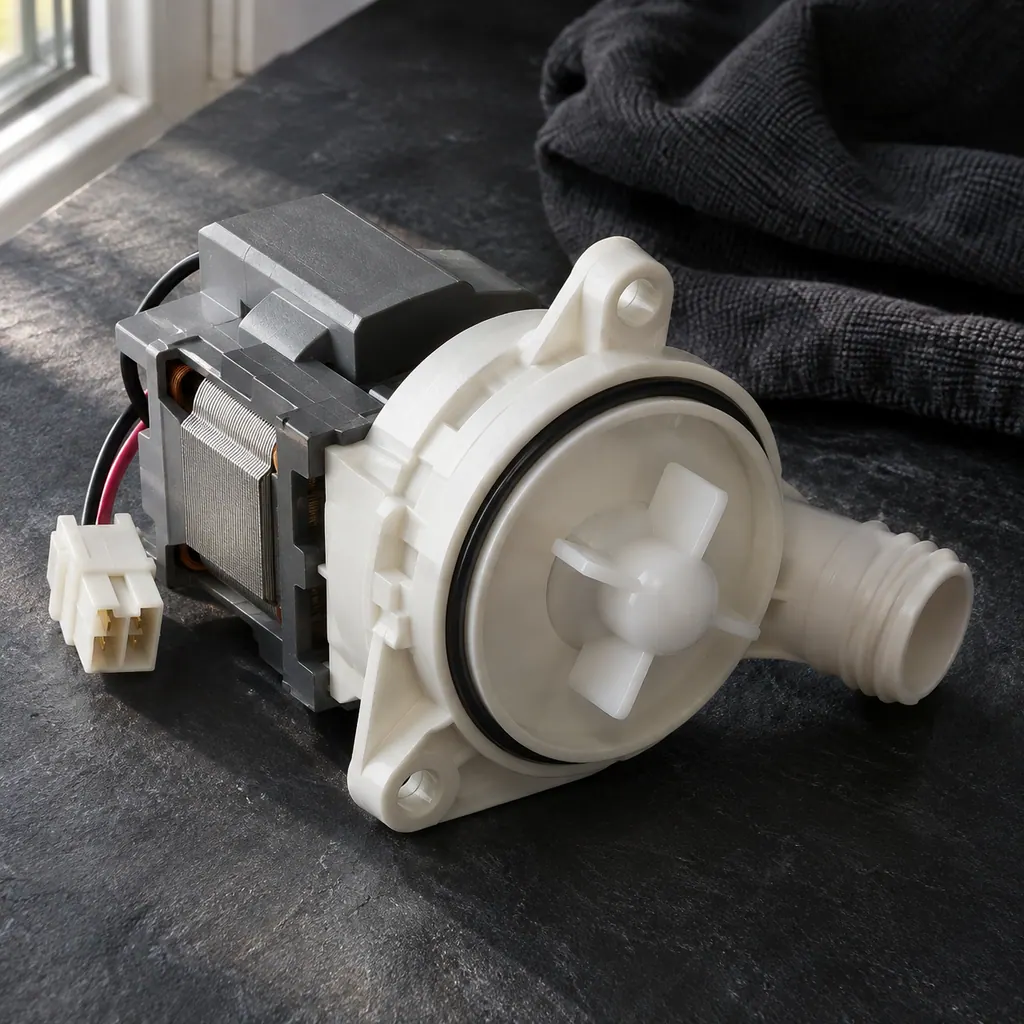
Drain pump
Moves used water out of the dishwasher.
Fine filter
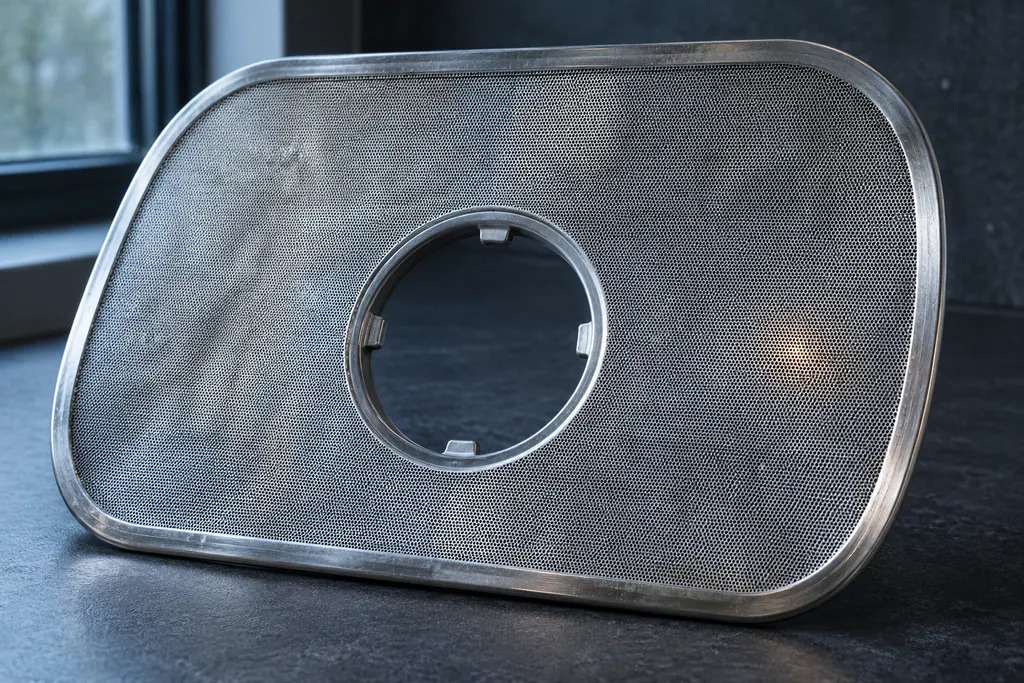
The fine filter sits under the coarse filter and catches the smaller particles. Your ASKO rinses most of that debris away during each wash, but the filter still needs a hand clean from time to time.
Brushless drain pump
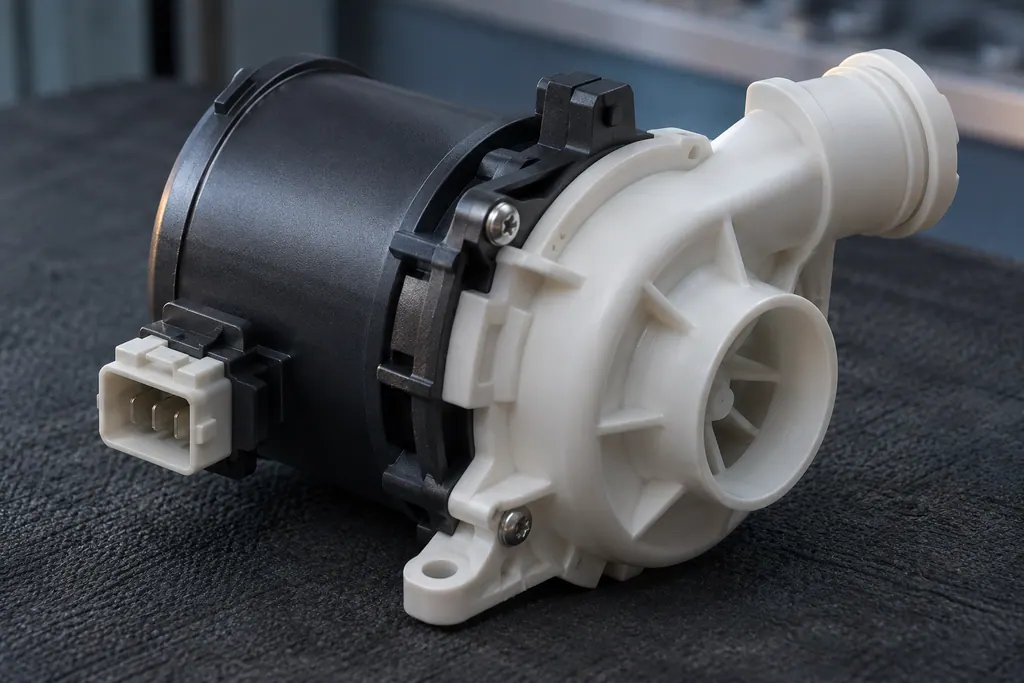
A brushless drain pump is a drain pump driven by a brushless (BLDC) motor. On the ASKO DBI786 it has its own code, F68, and the manual treats it like F11: filters, pump wheel and drain hose come first.
Sources and model boundaries.
These references support the Coarse filter guidance. Read the manual that matches your model.
- Asko DBI786IXXLSSOF.U User Manual, Troubleshooting (PDF on the Gorenje Group document server, linked from us.asko.com)
- Asko DBI675IXXLS.U / DBI675THXXLS.U / DBI675PHXXLS.U Operating Instructions, Troubleshooting (PDF on the Gorenje Group document server, linked from us.asko.com)
Use the instructions for your exact model. See how we research these pages.
How often should I clean the coarse filter?
ASKO doesn’t give a fixed interval. The manuals say to empty it when needed and clean it regularly, depending on how often you run the dishwasher. If you see scraps in it after a cycle, it’s time.
Why is there water in the bottom of my dishwasher?
A clogged or badly fitted filter is the first cause the manuals list for water left above the filters. Clean and reseat both filters before you look at the drain pump or hose.
My coarse filter won’t click back in. What now?
Check that the fine filter underneath is seated and its locking ring is turned clockwise to the stop. Then press the coarse filter down until it clicks, and don’t start a cycle until it does.
Which codes can a dirty coarse filter cause?
On the DBI786, the first step for F11, F52 and F68 is cleaning the coarse and fine filters. On the DBI675, F52 is shown as a plain reminder to clean the filters.
Code / symptom / part / service
Connect the message to the next step.
F10
F10 means the water in your dishwasher rose past the first overfill level. ASKO’s first step is to clear the drain pump. If F10 keeps coming back after that, book a technician.
Dishwasher not draining
The DBI786 manual traces water left above the filters to four things you can check yourself: clogged or loose filters, debris in the drain pump, a missing drain pump stop, and a kinked or blocked drain hose. Unplug the dishwasher before you start.
Dishwasher repair
Arrange a model-specific diagnostic at the appliance.
Find your metro
Office details and the access information to include.