On this page
- Press Start/Stop with the door open, wait for the confirmation, then close the door within four seconds. 12
- The control panel ignores you while the door is closed. 12
- A child lock or a Delayed start setting can make a working dishwasher look dead. 12
- A whirring drain pump that won't stop with the power off is a reason to shut the water and call. 2
Why won't my ASKO dishwasher start?#
Check the door first: it has to be closed within four seconds of pressing Start/Stop. ASKO dishwashers also refuse to start with the child lock on, a Delayed start set, a door that hasn't locked, or no power at the outlet. 12
That list comes straight from the "dishwasher does not start" rows in the troubleshooting tables of two ASKO manuals, the DBI786 and the older DBI675. Most items on it are settings, not broken parts. So before you worry about repairs, give yourself five minutes to work through the checks below in order. 12
Before you begin, look at the display and the status light on the floor. Write down any message exactly as it appears. You will need it if the simple checks don't help, and some messages change what you should do next. 1
How do you start an ASKO dishwasher correctly?#
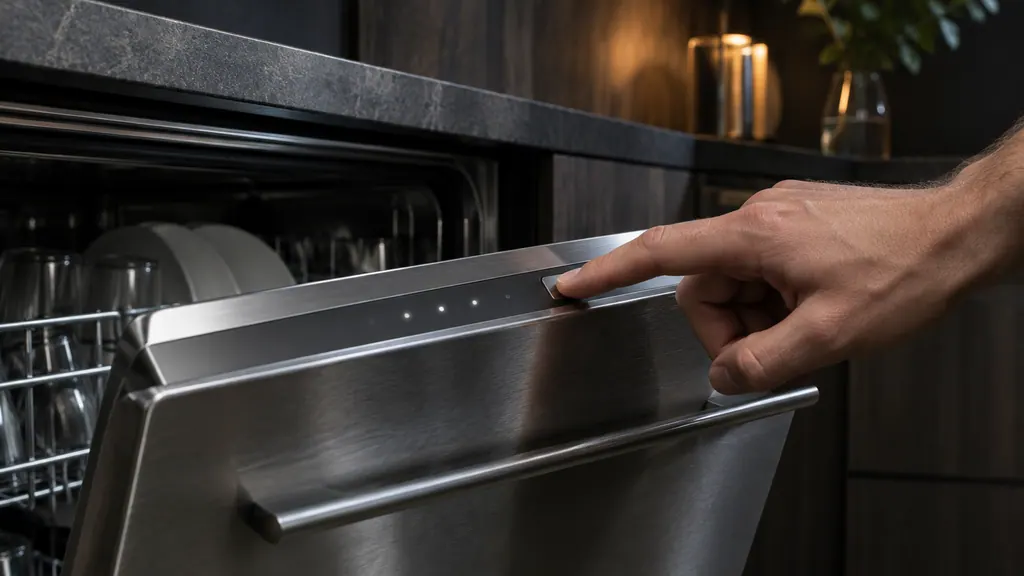
Open the door, switch the dishwasher on, pick a program and press Start/Stop until the display reads "Program started, Close door within 4 sec". Then close the door firmly within those four seconds, or it won't start. 12
This is easy to miss if you're used to dishwashers that start when you close the door. ASKO works the other way round: the control panel on the DBI786 only responds while the door is open, and closing it is the final step. 1
- 1
- 2
- 3
- 4
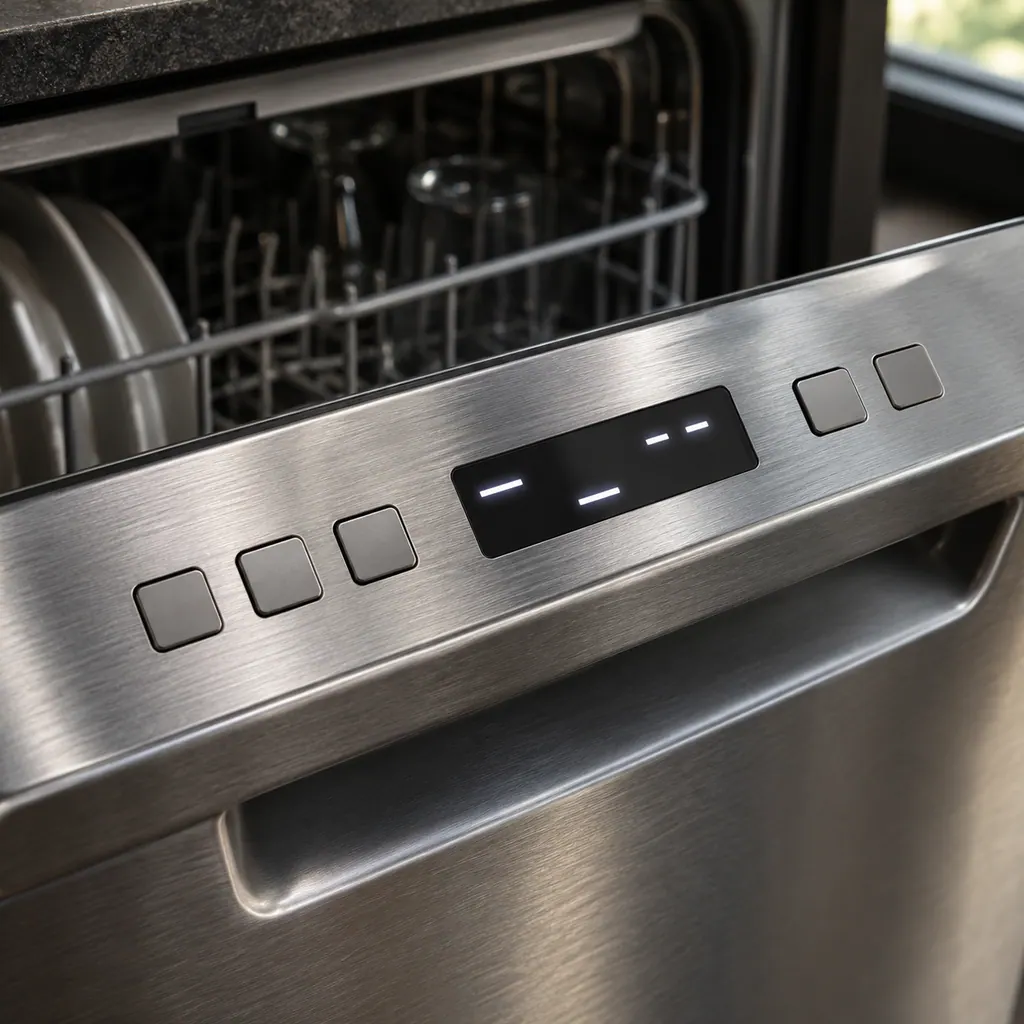
If you opened the door mid-wash to add a plate, the display shows "Program paused". To carry on, press Start/Stop and close the door within four seconds. Pressing and holding Start/Stop for three seconds cancels the program instead, so use a short press. 12
Is a lock or a timer stopping it?#
A child lock blocks the buttons, and a Delayed start makes the dishwasher wait up to 24 hours before it runs. Either one can make a healthy dishwasher look broken. Check both before you check anything else. 12
The child lock#
Both manuals describe a child lock that stops children from starting the dishwasher. On the DBI786 it is the Automatic child lock in the Settings menu. You can switch it off temporarily by pressing and holding the two buttons shown in your manual for three seconds. On the DBI675 those buttons are the left Navigation button and the Delayed Start option button. 12
Delayed start#
A Delayed start can be set from 1 to 24 hours. The dishwasher counts down and starts on its own when the time runs out, so a dishwasher that's "doing nothing" may simply be waiting. To cancel the delay, open the door and press and hold Start/Stop for three seconds. 12
Why don't the buttons respond?#
The panel ignores presses made with the door closed, and presses made too soon after opening it. Open the door, wait a moment and try again. If it still ignores you, check the child lock and wipe the panel clean. 12
| What you notice | Likely reason | What to do |
|---|---|---|
| Nothing happens when you press | The door is closed | Open the door; the panel only works with it open 12 |
| No response right after opening | You pressed too soon | Wait a moment, then try again 12 |
| Nothing responds, even with the door open | Child lock is on | Switch it off as described above 12 |
| Presses don't register on a grimy panel | Dirt on the panel | Wipe with a dry or slightly damp cloth, using a little dish soap if needed; no abrasive cleaners 1 |
| Still unresponsive on the DBI786 | The panel needs calibrating | Follow the reset in the next paragraph 1 |
The DBI786 manual gives a simple reset for a panel that needs calibrating. Turn off the water supply valve, unplug the dishwasher and wait 60 seconds. Then plug it back in and reopen the valve. Do it in that order. 1
Is the dishwasher getting power and water?#
Check that the plug is fully in its outlet and that the breaker or fuse hasn't tripped. On the DBI675, a closed water supply valve is also listed as a reason it won't start. 12
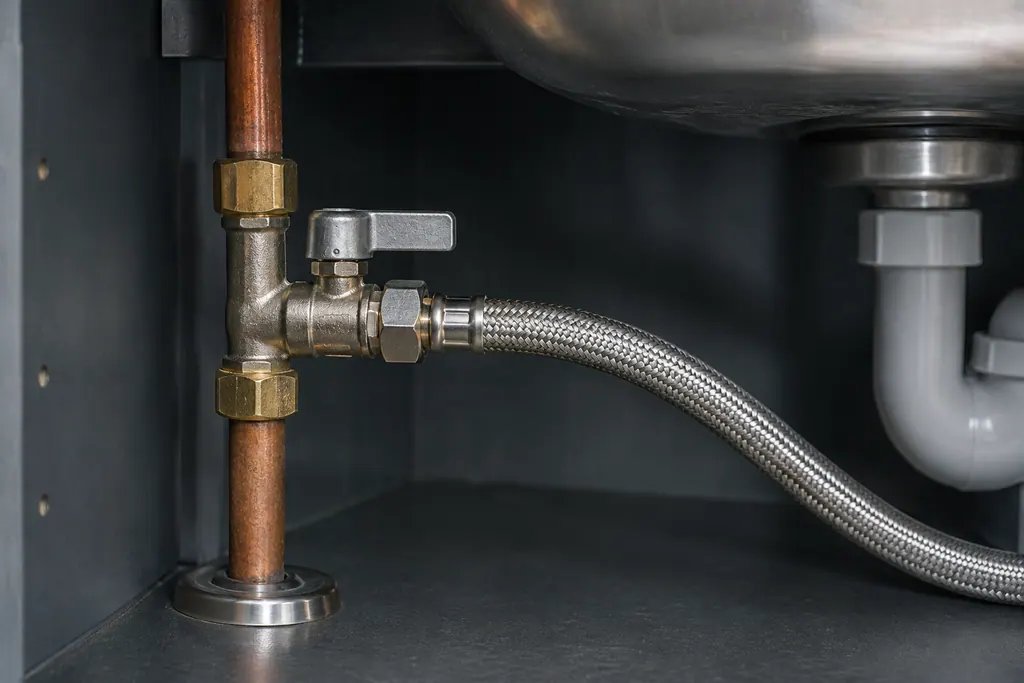
The water supply valve is the shutoff on the pipe that feeds the dishwasher, typically in the cabinet under the sink. Both manuals tell you to open it when you switch the dishwasher on, and to close it if you'll be away from home for a while. If someone closed it before a trip, the dishwasher may simply be dry. 12
If the power went off while a wash was running, the DBI786 picks up where it stopped once power returns. A power cut during the drying phase interrupts that program, though, so you may need to start again. 1
What if the door won't close or lock?#
Check that every basket slides fully home and that nothing sticks out. On the DBI786, if the door lock doesn't click, run "Auto door open recovery" as your manual describes, then close the door again. 1
Baskets that sit crooked are the most obvious thing to look for. The DBI786 manual asks you to check that the baskets run level and that the middle basket's water connector lines up with its spray pipe. A tall pan or a stray utensil can stop a basket from going all the way in. 12
With Automatic door opening, the DBI786 opens its own door during the drying phase to help the dishes dry. The manual warns that blocking or closing the door while it opens itself can damage the door lock. After an automatic opening, wait at least 5 minutes before you shut it. 1
Does an error message stop it from starting?#
It can. Read the code on the display and look it up for your model before you clear it. The DBI786 table pairs each message with an action, and any button press clears the message. 12
Two messages are worth knowing here. F12 points to the water supply: check that the valve is on, then contact service if it comes back. F54 means the overflow guard has stopped the water. Turn off the water supply valve before you unplug anything, then call for service. 12
The DBI786 also keeps a record of recent errors under "Failure readout" in the Settings menu. If you call for help, you may be asked for those messages. 1
When should I call a technician?#
Call if the dishwasher still won't start after the start, lock, power and water checks. Call too if an error message keeps returning, or if the drain pump runs with the power off. Door lock and electrical checks are a job for a technician. 12
The manuals' own limit is clear: repairs should be done by a qualified technician, and power should be disconnected before any servicing. Don't take off panels to look at the lock or wiring yourself. 1
A start problem that survives these checks needs someone on site. The technician agrees the price with you before any work starts. The exact cost is confirmed after the on-site diagnostic. Repairs covered by the manufacturer's warranty go through ASKO itself. We give a warranty on our workmanship. You can book a visit now, or read how our dishwasher service works first.
Sources#
- DBI786IXXLSSOF.U dishwasher user manualASKO / Gorenje Group · Document 879712en · pp. 5–6, 21, 24–26, 31, 33, 38–41, 53–54
- DBI675 dishwasher operating instructionsASKO / Gorenje Group · Document 843099en · pp. 5, 17, 19–20, 23, 28–30, 39