Start from the symptom
ASKO washer won’t start.
Close the door firmly until it clicks, then press Start/Pause. A door that isn’t fully shut gets pushed back open as the washer tries to lock it. If that’s not it, the WM86L may have Delay start or Lock on, or the outlet may have no power.
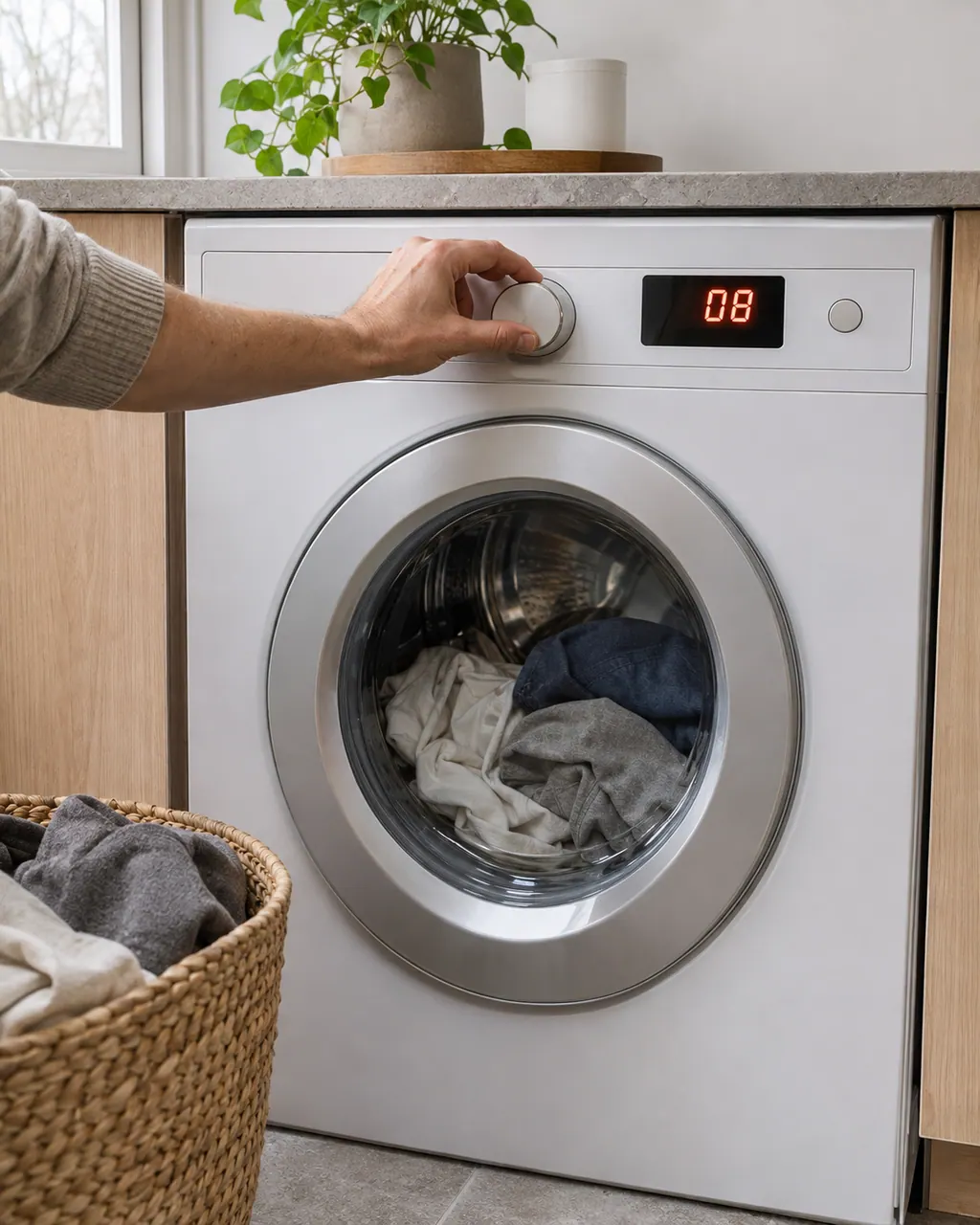
Start with safe observations.
Switch off and unplug before owner-accessible checks. Watch for standing water and sharp debris. Do not touch a wet plug or electrical area, remove service panels, or go beyond your model’s owner instructions.
- 1
Close the door until it clicks
Push the door shut until you hear and feel a click. Check the rim for a sleeve or sock caught in it. Never force or bypass the lock.
- 2
Check power and Start
Make sure the washer is on, a program is selected and you’ve pressed Start/Pause. If the display is dark, check the breaker and the plug.
- 3
Look for Delay start or Lock
A delayed start makes the washer wait on purpose; press Skip to start now. With Lock on, swipe the lock icon or press both icons at once to unlock the screen.
Systems a technician may investigate.
These parts relate to the symptom. The observation alone does not prove that any one has failed.
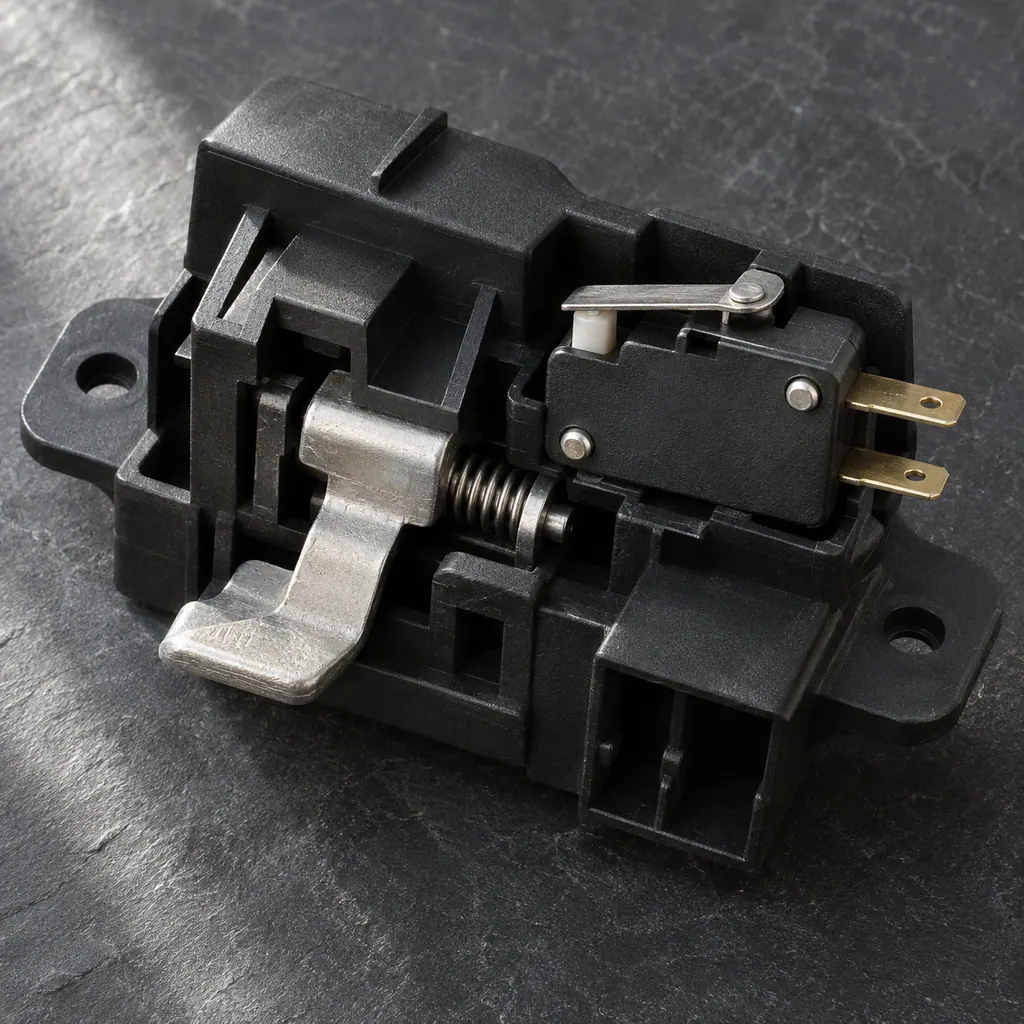
If the display adds a code.
Door
E2 is a door lock error on ASKO WM86L washers. First check that the door is fully shut. Then switch the washer off and on and wait about 10 seconds for the lock to reset.
Door
E22 means your ASKO washer’s door is closed but the lock couldn’t engage. Switch the washer off, switch it back on and restart the program. If E22 returns, call a technician.
Read the related care guide.
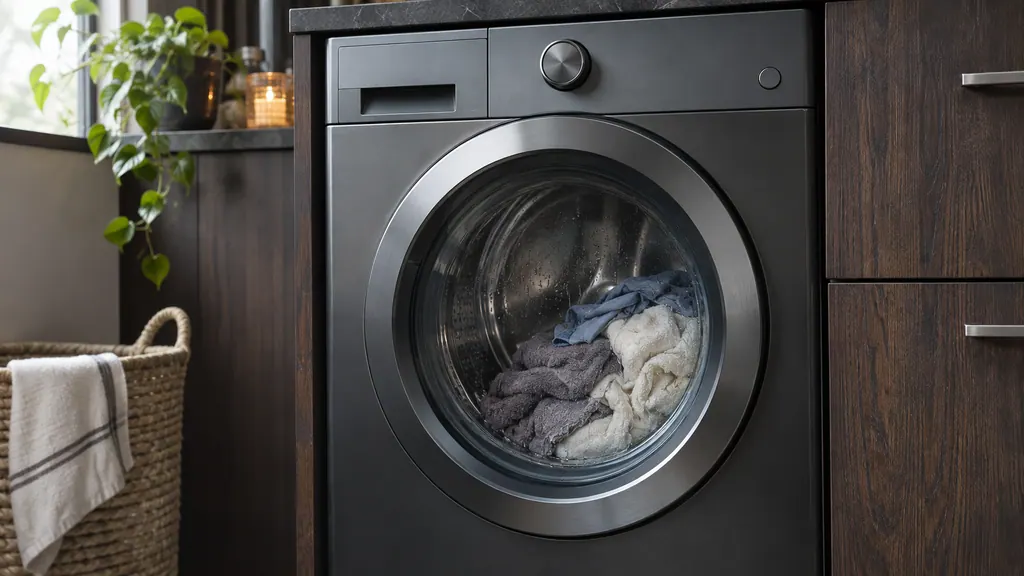
Washer won't spin? Check the load first.
An ASKO washer that won't spin may have an unbalanced load, a spin setting turned off, or water that can't drain past a clogged pump filter. Here's how to check each one and when to call a technician.
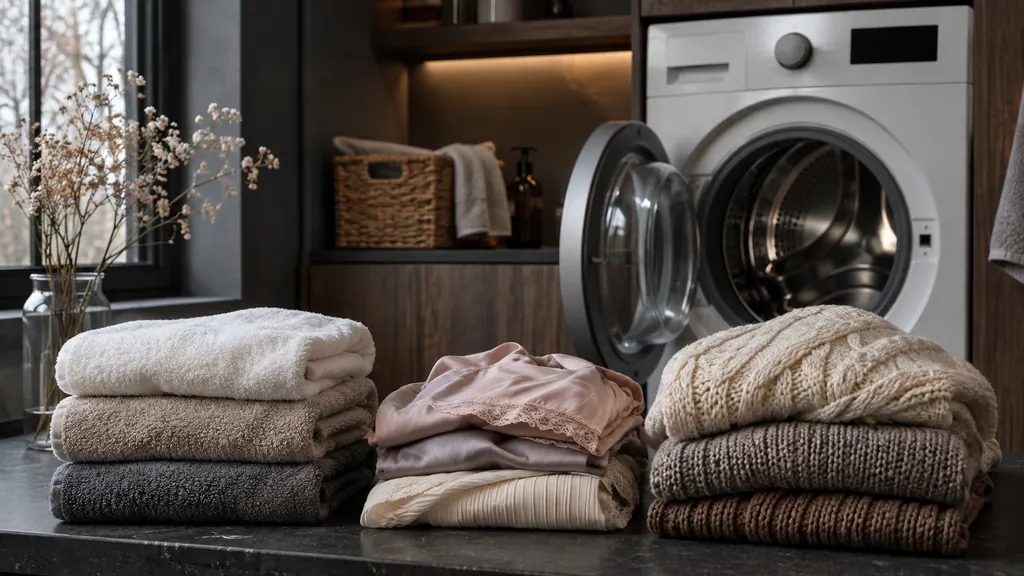
Full load, half load or quarter? Pick the right washer program.
On the ASKO WM86L, use Normal Cotton for everyday cotton loads up to a full drum. Most special programs take half a load, and Wool/Hand wash, Time, Steam Refresh and a few others take a quarter. The maximum weight is printed on the washer's rating plate.
When observation becomes a service request.
Leave internal testing to a technician.
Book a visit if the washer still won’t start after these checks, if the door won’t close or lock, or if E2 or E22 keeps coming back.
Arrange a diagnosticSources and model boundaries.
These references support the Washer won’t start guidance. Read the manual that matches your model.
- WM86L washing machine instructions
Use the instructions for your exact model. See how we research these pages.
What does E2 mean on my washer?
E2 is a door lock error. Make sure the door is fully closed, then wait about 10 seconds while the lock resets; the buttons don’t respond during that time. If it keeps showing, switch the washer off and on.
How is E22 different from E2?
E22 means the door is closed but the washer couldn’t lock it. ASKO’s step is to switch off, switch back on and restart the program; book a visit if E22 returns.
Why does my washer screen lock by itself?
With Lock turned on in the settings, the screen locks automatically after a minute without use. That’s a setting, not a failure.
What should I tell the technician?
Whether the display lights up, what happens when you press Start/Pause, and any code that appears. Say whether the door clicks shut.
Code / symptom / part / service
Connect the message to the next step.
E2
E2 is a door lock error on ASKO WM86L washers. First check that the door is fully shut. Then switch the washer off and on and wait about 10 seconds for the lock to reset.
Washer not spinning
Check the spin setting first: a program without spin, or Pump stop, ends the wash with wet laundry on purpose. If the setting is right, the load may be too lopsided to spin, or a blocked pump filter may be keeping water in the drum.
Door lock
The door lock holds the door shut while a cycle runs. If it doesn’t click into place, the ASKO DBI786 dishwasher won’t start, and the WM86L washer shows E2, a door lock error.
Washer repair
Arrange a model-specific diagnostic at the appliance.
Find your metro
Office details and the access information to include.