Start from the symptom
ASKO oven controls won’t respond.
First check the child lock: on the ASKO OT8687, press and hold the lock key to turn it off. If the touch controls still ignore you, switch the oven off at the breaker for a few minutes, then turn it back on.
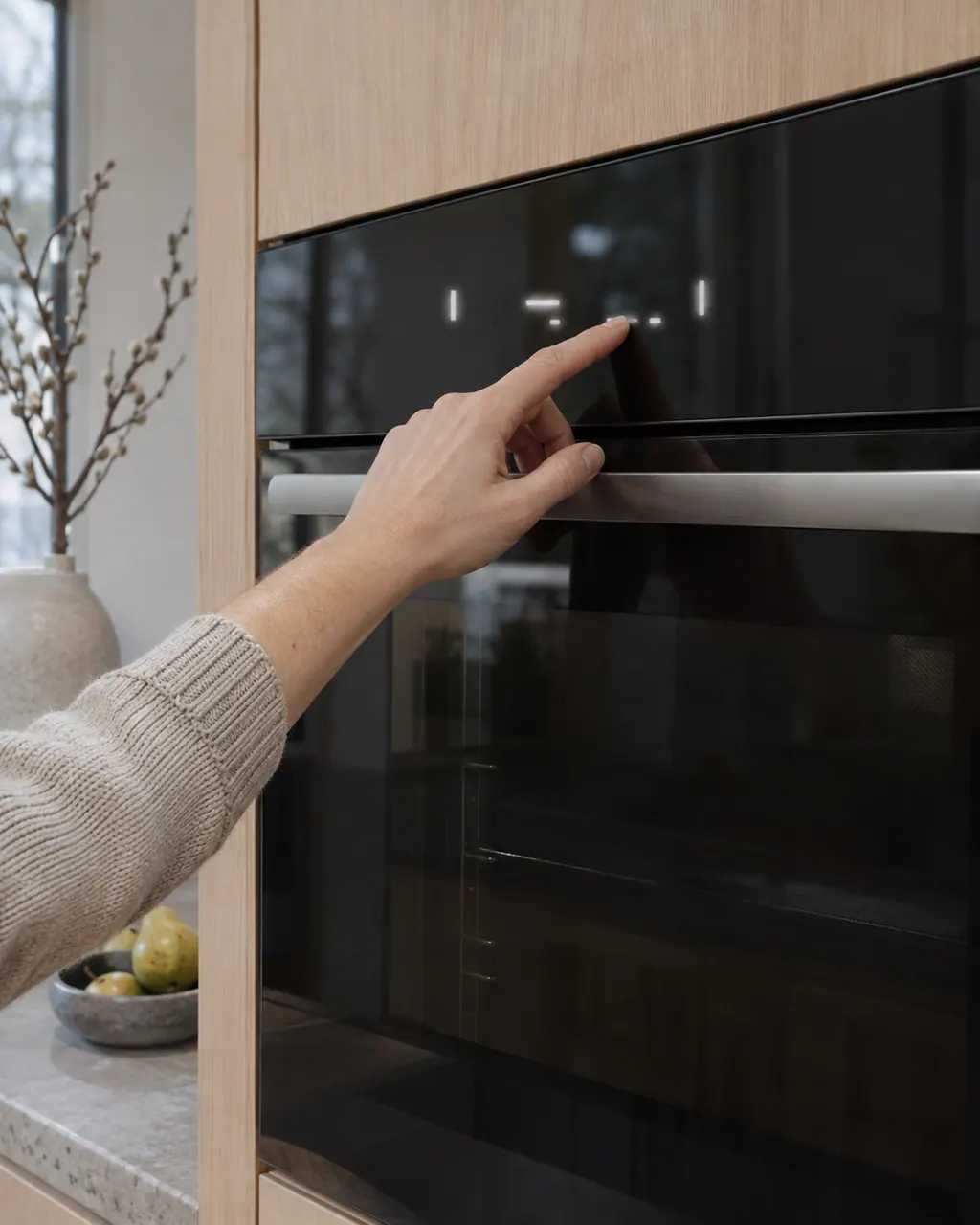
Start with safe observations.
Switch off and unplug before owner-accessible checks. Watch for standing water and sharp debris. Do not touch a wet plug or electrical area, remove service panels, or go beyond your model’s owner instructions.
- 1
Look for the key lock
If a “Key lock is active” pop-up appears when you touch a key, the panel is locked. Press and hold the lock key to unlock it.
- 2
Reset the power at the breaker
Switch off the oven’s breaker, or take out its fuse, for a few minutes, then switch it back on. Don’t pull a built-in oven out to reach the plug.
- 3
Write down any ERROR number
If the display shows ERROR followed by a number, photograph it before the reset. You’ll need to set the clock again afterward.
Systems a technician may investigate.
These pictures use dishwasher parts to show each component type. They don’t tell you what fits your oven; the technician matches any replacement to its exact model.
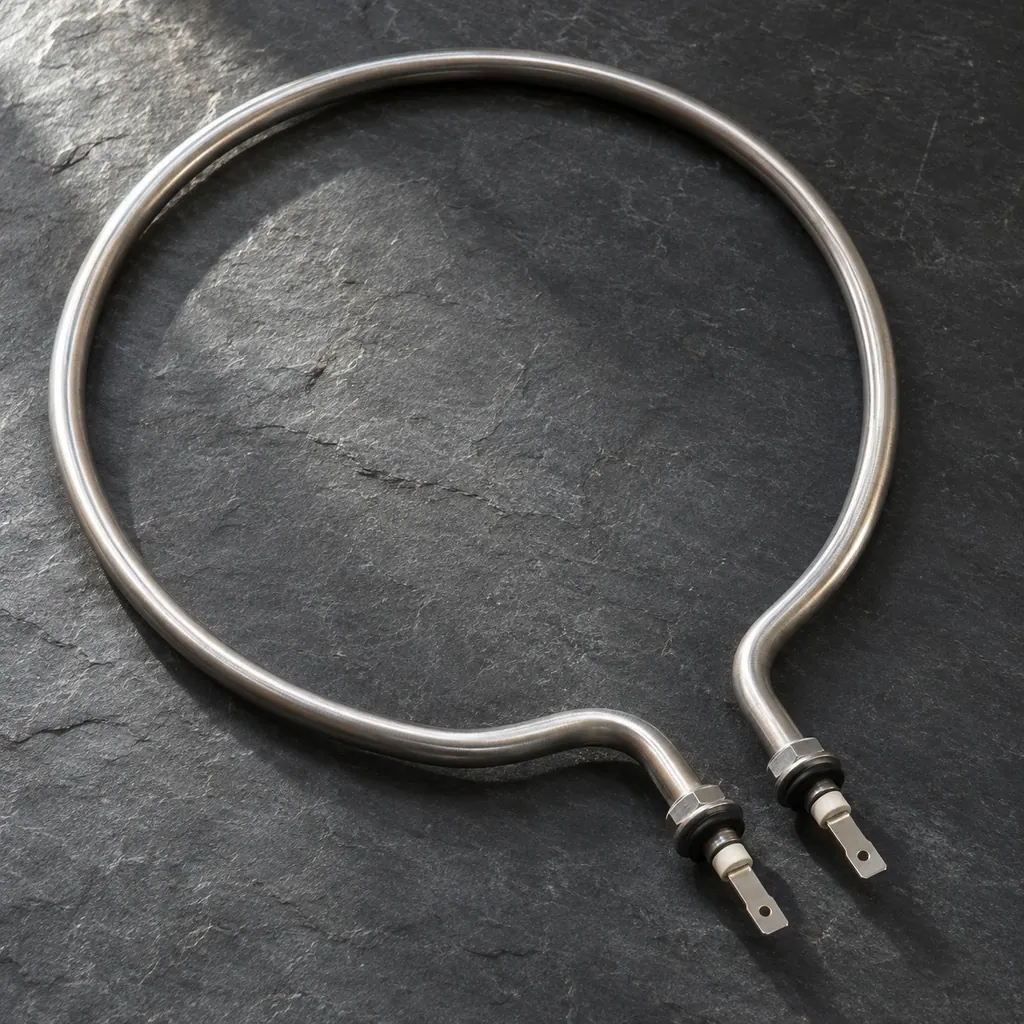
Heating element
A heating element turns electricity into heat. It warms the wash water in a dishwasher or washer and heats the cavity of an oven. A heating error tells you the heat isn’t right; it doesn’t prove the element itself has failed.
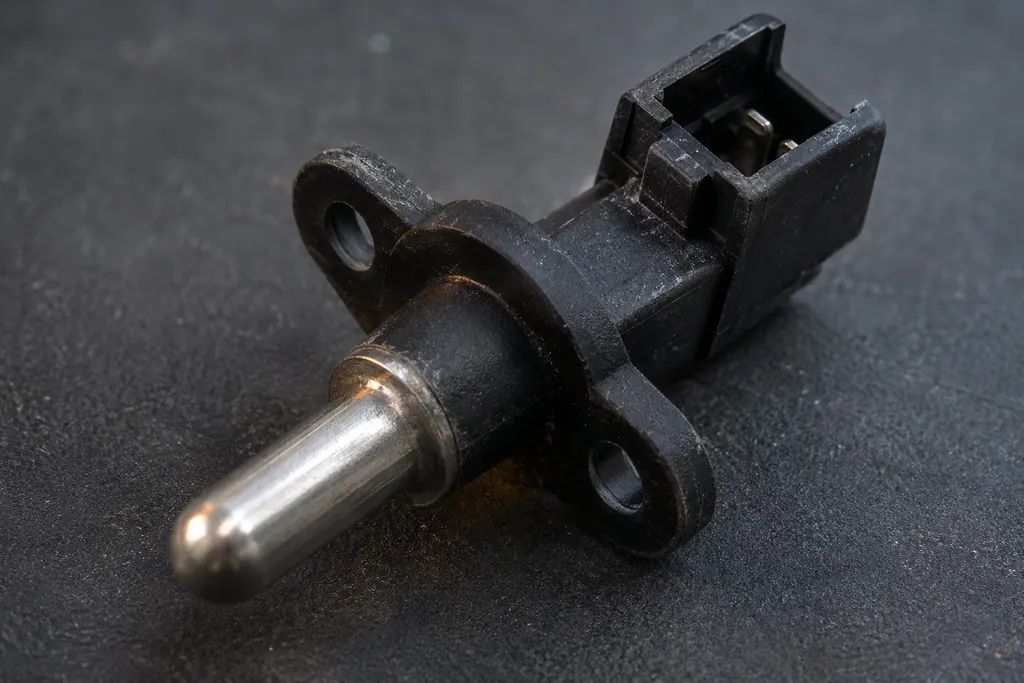
NTC sensor
An NTC temperature sensor is a small probe whose electrical resistance drops as it warms up. The appliance’s electronics read that resistance to know how hot the water or air is, and use it to control heating.
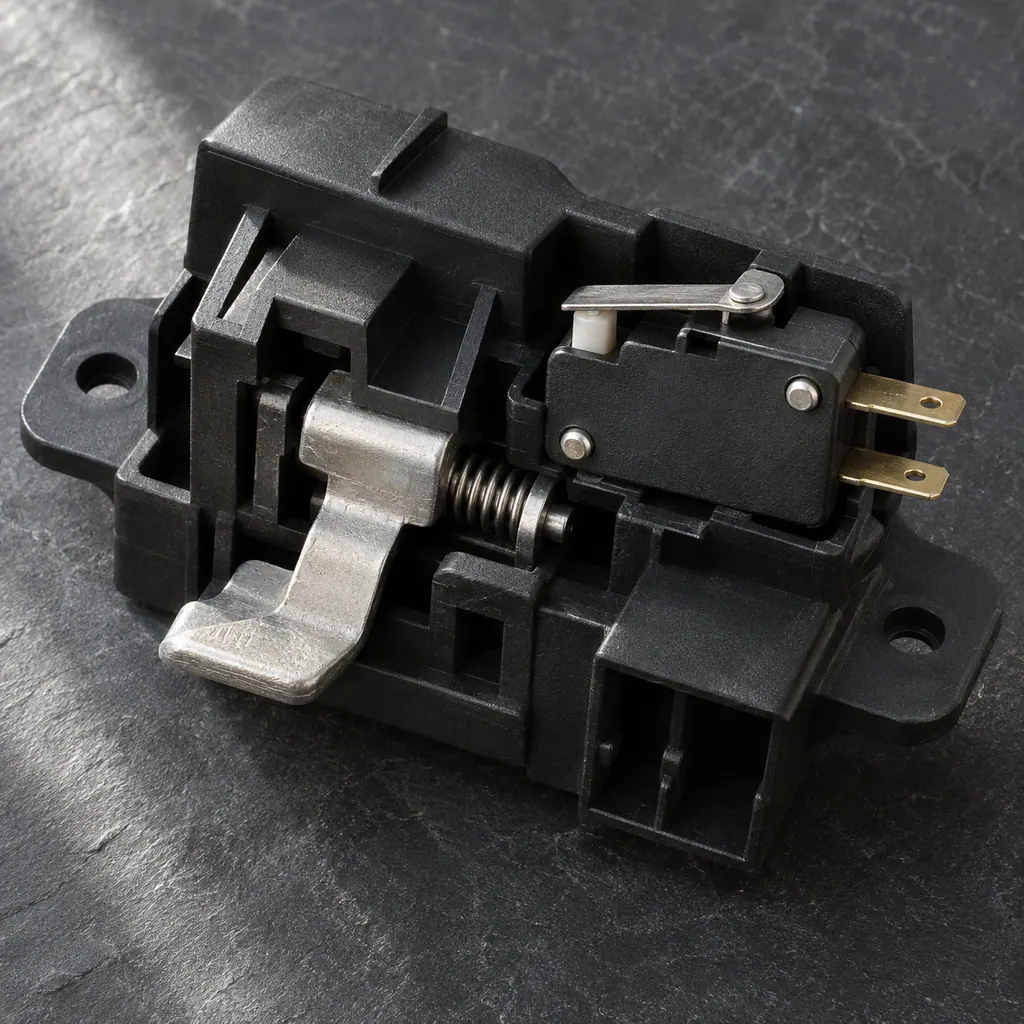
Door lock
The door lock holds the door shut while a cycle runs. If it doesn’t click into place, the ASKO DBI786 dishwasher won’t start, and the WM86L washer shows E2, a door lock error.
If the display adds a code.
Keep the exact message.
This appliance’s code meanings are not researched here. Use its model manual and send a photo of the display with your request.
See the research statusRead the related care guide.
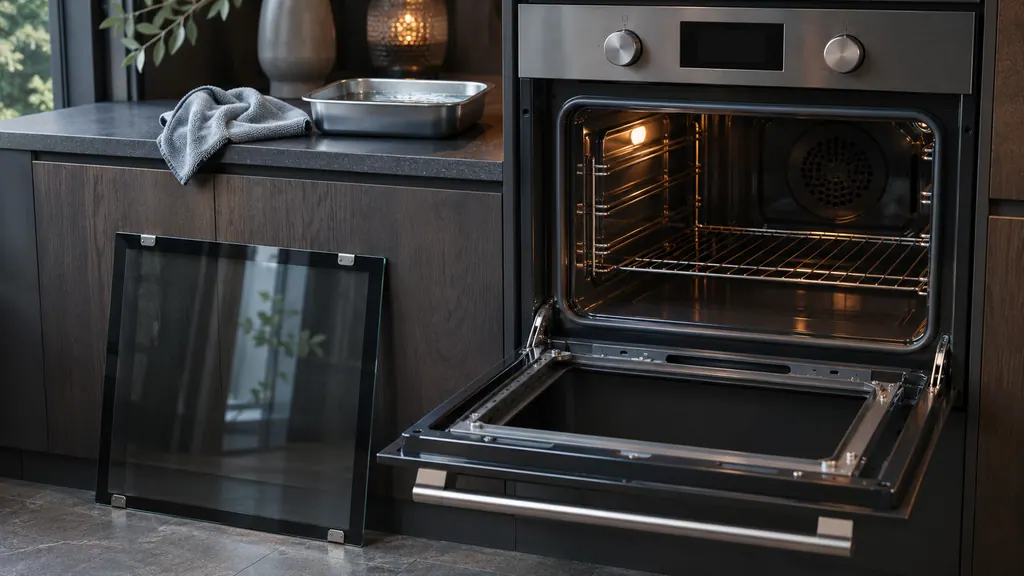
Greasy oven walls? Let Aqua clean soften them first.
Clean an ASKO OT8687S by wiping it with warm soapy water and running Aqua clean on a cold oven with 0.15 liters of water. Take out the guide rails, door and door glass when they need a deeper clean.
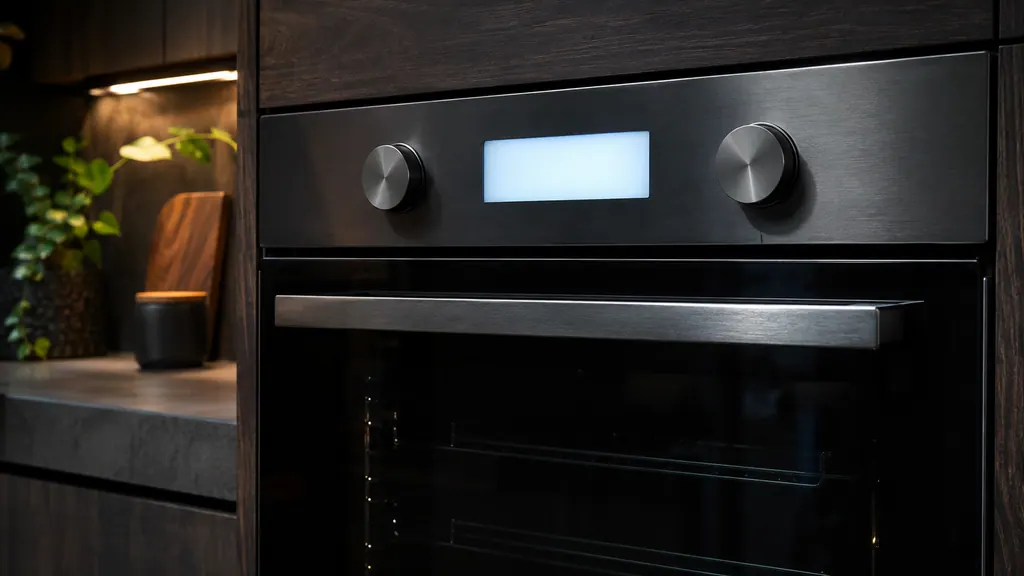
ERROR on your ASKO oven? Here is what the manual says.
On the ASKO OT8687S, ERROR followed by a number points to a problem in the oven's electronic module. Disconnect the power for a few minutes, reconnect, set the time, and call a technician if it returns. The manual doesn't decode individual numbers.
When observation becomes a service request.
Leave internal testing to a technician.
Book a visit if the controls still won’t respond after a power reset, or if an ERROR message comes back.
Arrange a diagnosticSources and model boundaries.
These references support the Oven controls won’t respond guidance. Read the manual that matches your model.
- OT8687S / OT8687A oven instructions
Use the instructions for your exact model. See how we research these pages.
Can I switch the oven off while the key lock is on?
Yes. The stop key keeps working in lock mode, so you can always turn the oven off.
Does an ERROR number tell you which part failed?
No. The OT8687 manual sends every ERROR number to the electronic module and doesn’t break them down by part. A technician finds the cause on site.
Where is the model number on my oven?
On the OT8687 it’s on the inside of the oven door, along with the serial number. Have both ready when you book.
Should I keep resetting the oven if the error comes back?
No. One reset is the step the manual gives. If the error returns, leave the oven off and book a visit.
Code / symptom / part / service
Connect the message to the next step.
Oven not heating
Check the simple things first. On the ASKO OT8687, an oven that leaves food raw may be waiting for you to confirm the settings, may have a door that isn’t fully closed, or may have lost power at a fuse or breaker.
Oven repair
Arrange a model-specific diagnostic at the appliance.
Find your metro
Office details and the access information to include.