On this page
- ERROR XX on the OT8687S points to the electronic module; XX is the error number. 1
- The fix the manual gives: power off for a few minutes, reconnect, set the current time. 1
- The manual has no table of individual numbers such as Err6. 1
- Several things that look wrong, such as the fan running after switch-off, are normal. 1
- If the message returns, or the breaker keeps tripping, book a technician. 1
What does ERROR on my ASKO oven display mean?#
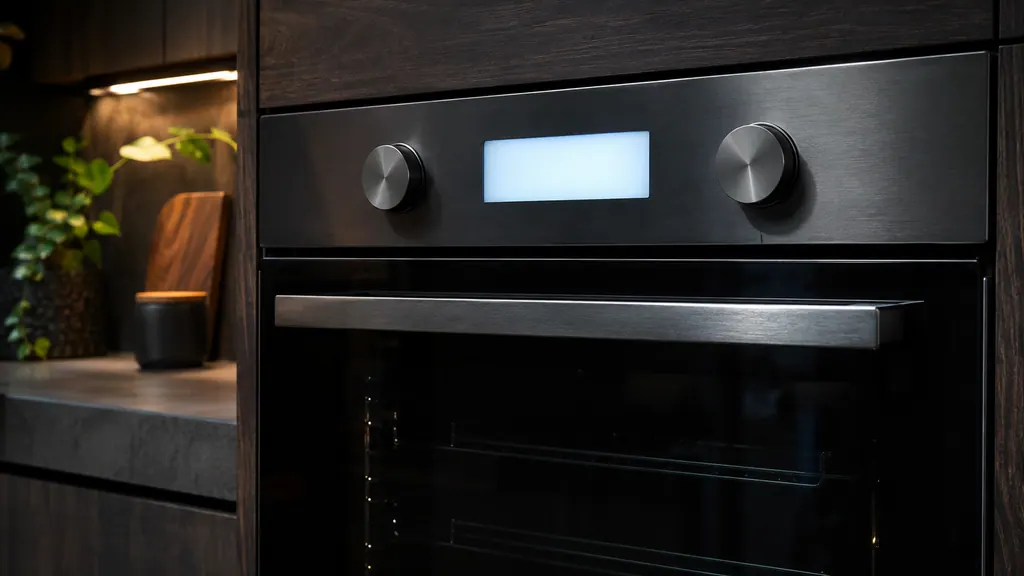
On the OT8687S, a message that reads ERROR followed by a number means the oven has found a problem in its electronic module. The number identifies the error. The manual gives one fix for all of them: power off for a few minutes, reconnect, set the time. 1
Everything here comes from the OT8687S and OT8687A instructions. Other ASKO ovens may show their messages differently, so if your model is another one, check its own manual too. 1
The manual shows the message as ERROR XX, where XX is the number of the error. Some people search for it the way it looks on their screen, such as Err6. Either way, it is the same kind of message. 1
Does the manual say what Err6 or other numbers mean?#
No. The OT8687S manual doesn't list meanings for individual ERROR numbers, Err6 included. It treats every ERROR XX the same way, so we won't guess a meaning for any number. 1
That's an honest gap, and it's worth knowing before you search further. A meaning you find for "Err6" on a forum may come from a different brand or a different oven. Acting on it could send you after the wrong part.
What you can do is write the number down exactly as it appears. If the same number keeps coming back, that is the detail a technician needs. Our oven code library is where an oven code will appear once we can source its meaning from an ASKO document. We don't fill it with guesses. If the number keeps returning, book a diagnostic and bring the number with you.
How do I clear an ERROR message on an ASKO oven?#
Disconnect the oven from the power for a few minutes, then reconnect it and set the current time. If the error persists, consult a service technician. That is the whole procedure the OT8687S manual gives for ERROR XX. 1
- 1
- 2
- 3
- 4
- 5
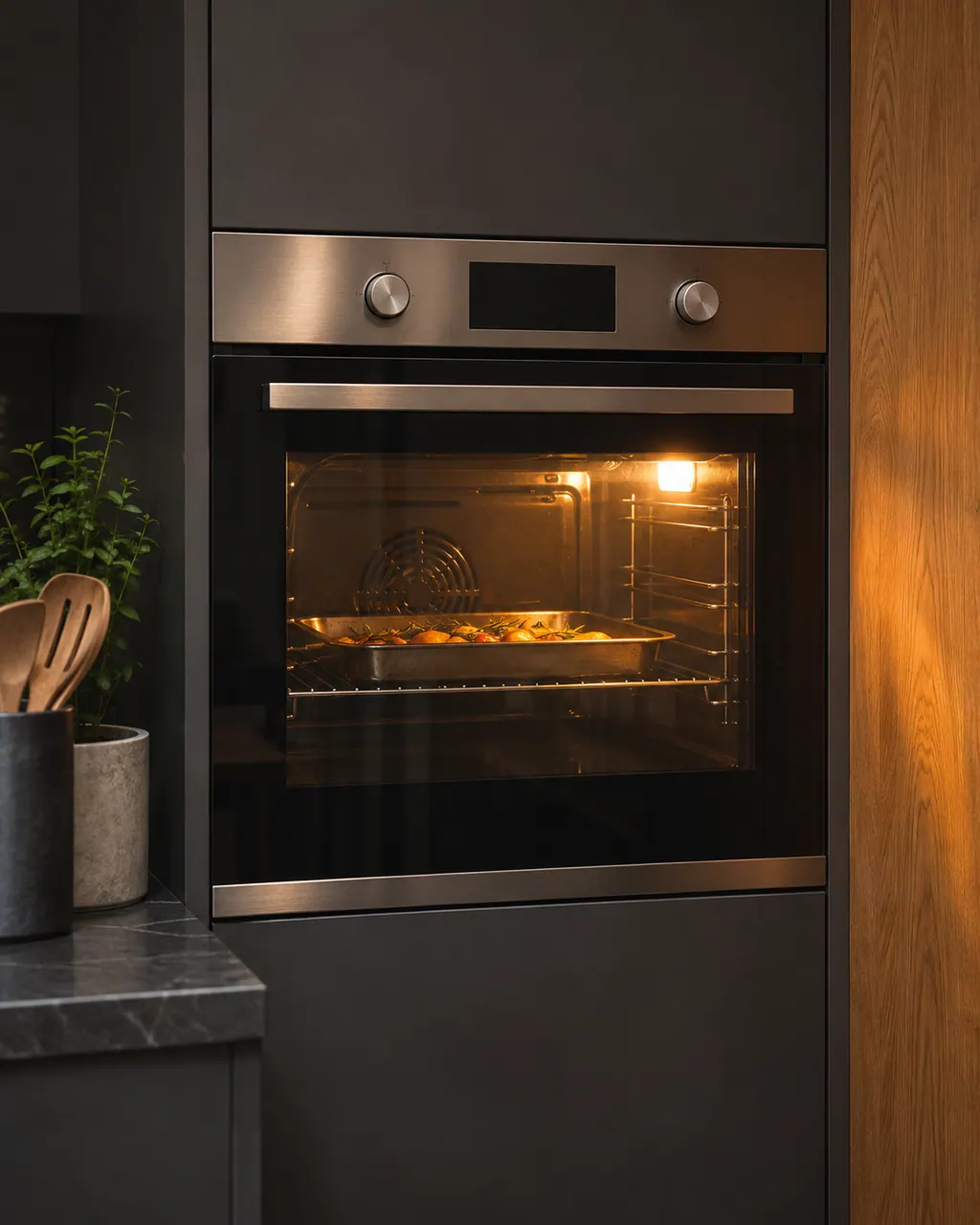
If you've had a power cut, the display may reset on its own. The manual's advice for that case is to plug the oven back in and set the time again. A blank or reset clock after an outage is not an ERROR message. 1
What looks like an error but isn't?#
Several things the OT8687S manual lists as normal can worry an owner. Condensation inside, a fan that keeps running after switch-off, air flow at the door, steam from the vents and clicking sounds are all expected. None of them is an error. 1
The cooling fan deserves a word of its own. It cools the casing and the control panel, and it keeps running for a while after you switch the oven off. That's by design. 1
A few other behaviors have simple reasons:
- The oven stops when you open the door. Door switches pause the oven while the door is open; it carries on when you close it. 1
- The display says "Key lock is active". The child lock is on. Press and hold the lock key to switch it off. 1
- The controls don't respond and the display is locked. Cut the power for a few minutes, as the manual suggests, then reconnect and switch on. 1
If your controls stay unresponsive after that, our page on oven controls not responding goes through the next steps.
When should I call a technician about an oven error?#
Call if the ERROR message returns after the power has been off for a few minutes, or if the circuit breaker or fuse keeps switching off. The manual sends both cases to a service technician. 1
The manual leaves repairs to a qualified service technician. The manual asks you to disconnect the oven before any maintenance and to have a few details ready when you call. 1
What to have ready#
- the model number and serial number, found on the inside of the oven door;
- your warranty details;
- the ERROR number and a clear description of what happened. 1
The technician agrees the price with you before any work starts. The exact cost is confirmed after the on-site diagnostic. Repairs covered by the manufacturer's warranty go through ASKO itself. We give a warranty on our workmanship. For an ERROR number that won't go away, book a visit or see what our oven service includes.
Sources#
- OT8687S / OT8687A oven instructions for useASKO / Gorenje Group · Document ot8687s-en · pp. 1, 7, 12, 22, 27, 32–34, 36