Start from the symptom
ASKO dryer controls won’t respond.
Check the lock first. On ASKO T5HXL dryers, a locked display or locked buttons can make the dryer look dead. Then check for a delayed start, confirm the dryer is switched on, and if needed switch it off for a minute and back on.

Start with safe observations.
Switch off and unplug before owner-accessible checks. Watch for standing water and sharp debris. Do not touch a wet plug or electrical area, remove service panels, or go beyond your model’s owner instructions.
- 1
Confirm it’s on and powered
Press On/Off, then Start/Pause. If the display stays dark, check the breaker and that the plug is fully in the outlet.
- 2
Turn off the lock
If the screen ignores you, Lock may be on. Swipe the left icon toward the lock icon on the right, or press both icons together; a locked panel isn’t a broken one.
- 3
Restart once and note any code
Photograph any error on the display, switch the dryer off, wait one minute and switch it back on. Then make a new selection.
Systems a technician may investigate.
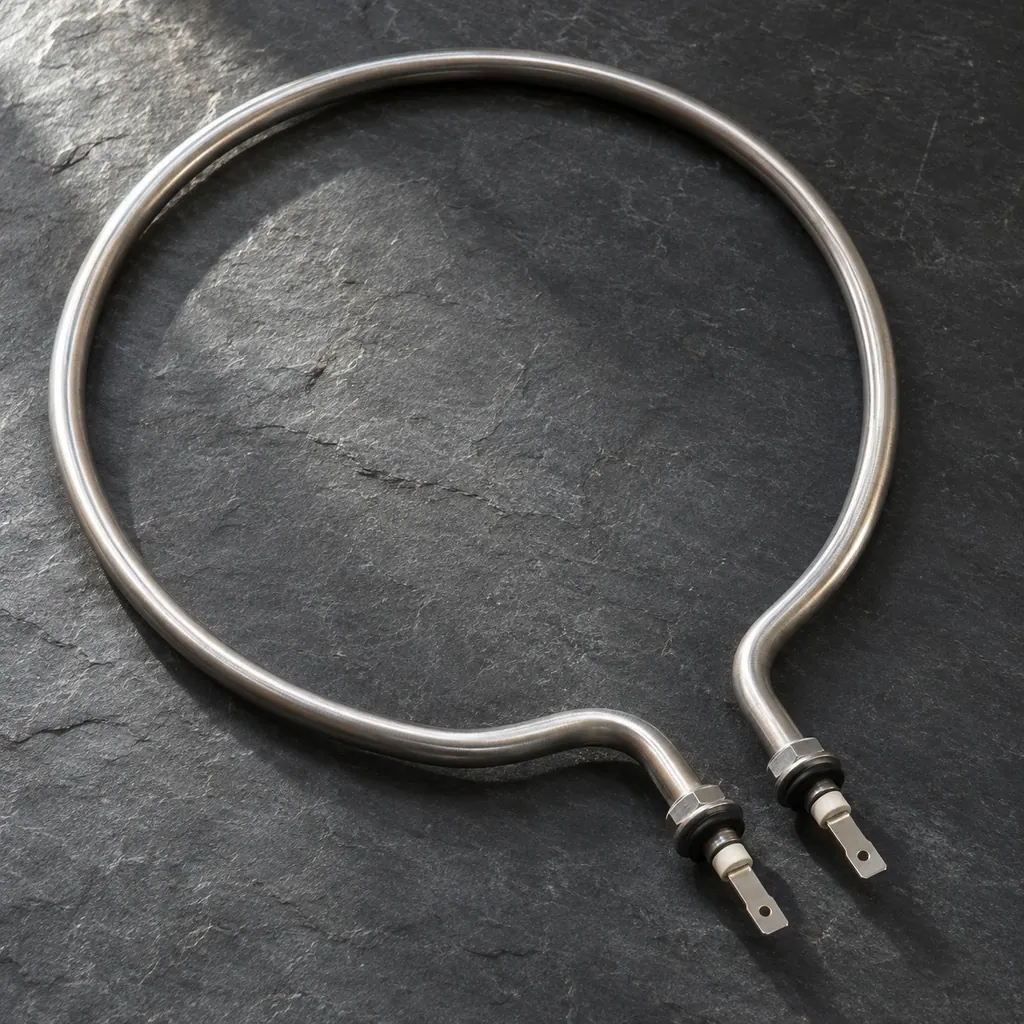
The glossary pictures show each part type with dishwasher examples. ASKO’s T5HXL dryers heat the air with a heat pump rather than an element, so the technician works out any replacement part from your exact model.
If the display adds a code.
Keep the exact message.
This appliance’s code meanings are not researched here. Use its model manual and send a photo of the display with your request.
See the research statusRead the related care guide.

Dryer not drying? Start with the filters.
When an ASKO heat-pump dryer stops heating or drying, the usual causes are clogged filters, a room that is too warm, cold or cramped, the wrong program, or laundry that wasn't spun enough. Here's how to check each one.
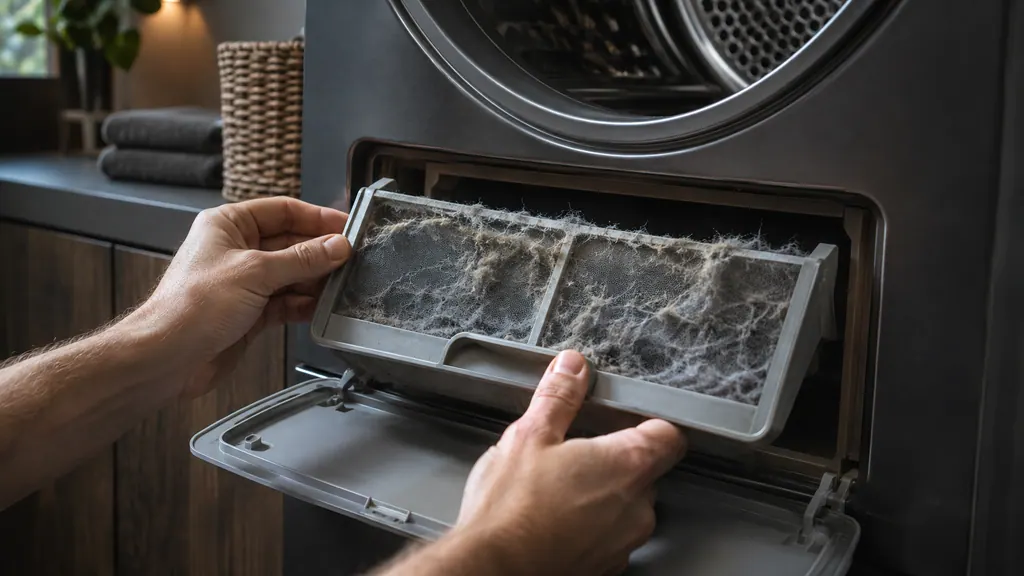
Drying taking longer? Check both lint filters.
Clean the door lint filter after every load, and clean the lower lint filter, its foam filter and the housing at least every 10 cycles, brushing the heat exchanger fins gently if dust has built up.
When observation becomes a service request.
Leave internal testing to a technician.
Book a visit if the dryer still won’t respond after unlocking and a restart, or if the same error comes back.
Arrange a diagnosticSources and model boundaries.
These references support the Dryer controls won’t respond guidance. Read the manual that matches your model.
- ASKO T5HXLW.U / T5HXLT.U / T5HXLG.U (TD86) heat-pump tumble dryer instructions for use
Use the instructions for your exact model. See how we research these pages.
Why does my dryer’s display go dark after a few minutes?
That’s standby. Five minutes after a program ends or after the last button press, the display switches off to save power. Press On/Off or open the door and it lights up again.
Can a delayed start make the dryer look broken?
Yes. With Delay start set, the dryer waits before it begins. Press Skip to cancel the delay and start straight away.
How do I see what an error on my dryer means?
Press and hold the OK button and the display shows a short description of the error. Write the code down before you switch the dryer off.
Which dryer errors need a technician?
The numbered E codes on the T5HXL, such as E0 (control unit failure) or E8 (button failure), all point to a service call. Note the code, try one restart, and book if it returns.
Code / symptom / part / service
Connect the message to the next step.
Dryer not heating
On an ASKO heat-pump dryer, check the lint filters first. When they clog, the dryer can switch its compressor off to avoid overheating, and drying slows right down. Clean both filters, let the dryer cool, then restart it.
Dryer repair
Arrange a model-specific diagnostic at the appliance.
Find your metro
Office details and the access information to include.